
 How-Tos
Writing in Ghost CMS Native Editor: Methods, Tips & Tricks

Introduction
Ghost CMS is not just a publishing platform — it’s a powerful content creation tool designed for speed, clarity, and reader engagement. Whether you’re a blogger, marketer, or business owner, mastering the Ghost editor ensures your posts are readable, SEO-friendly, and visually appealing.
In this guide, we’ll cover methods, practical tips, formatting tricks, and editor features that help you produce high-quality content in Ghost CMS.
1. Understanding the Ghost Editor
Ghost uses a block-based Markdown editor, making content creation intuitive:
- Each paragraph, image, or embed is a block.
- Blocks can be rearranged by dragging and dropping.
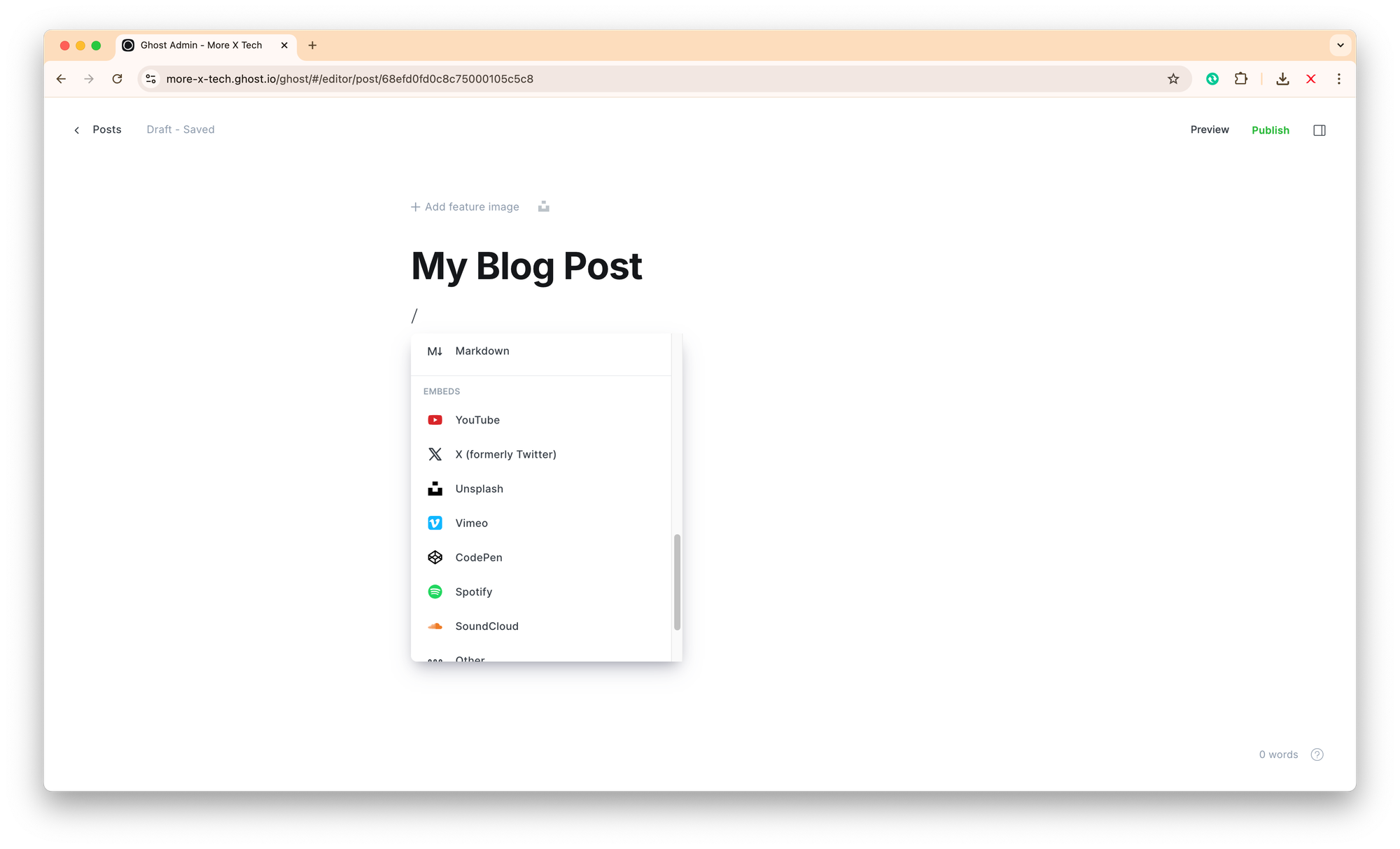
- Supports Markdown, HTML, and rich embeds (YouTube, Twitter, Spotify, etc.).
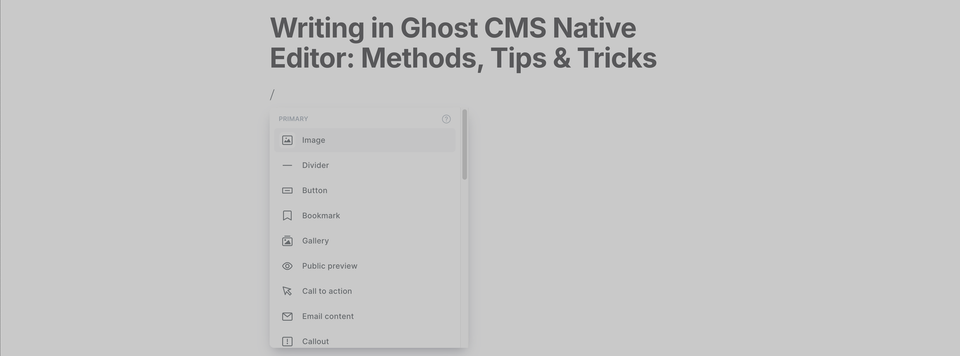
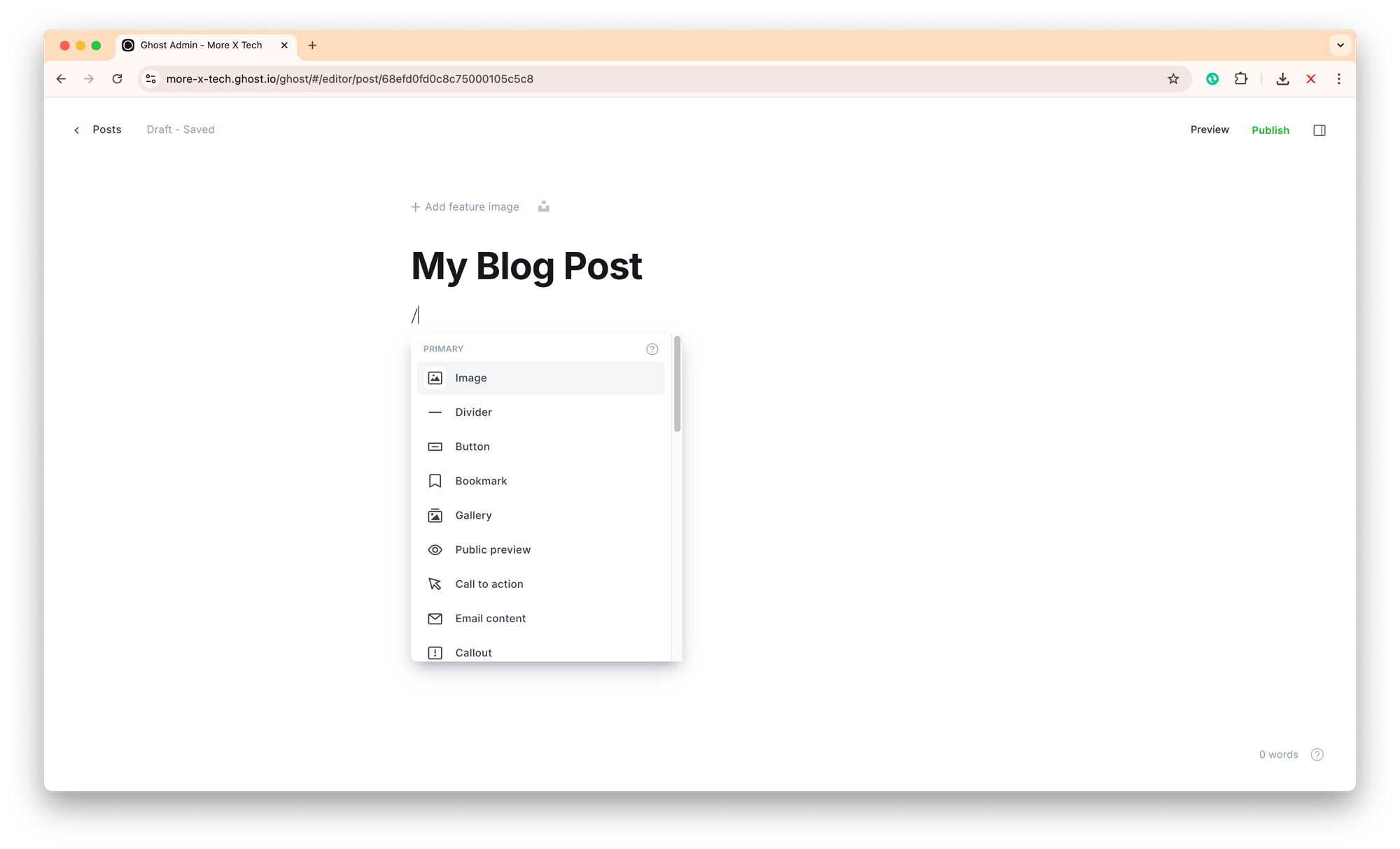
/) inside the editor to quickly add headings, images, code blocks, or embeds without leaving your keyboard. This current text block is created using Call Out option.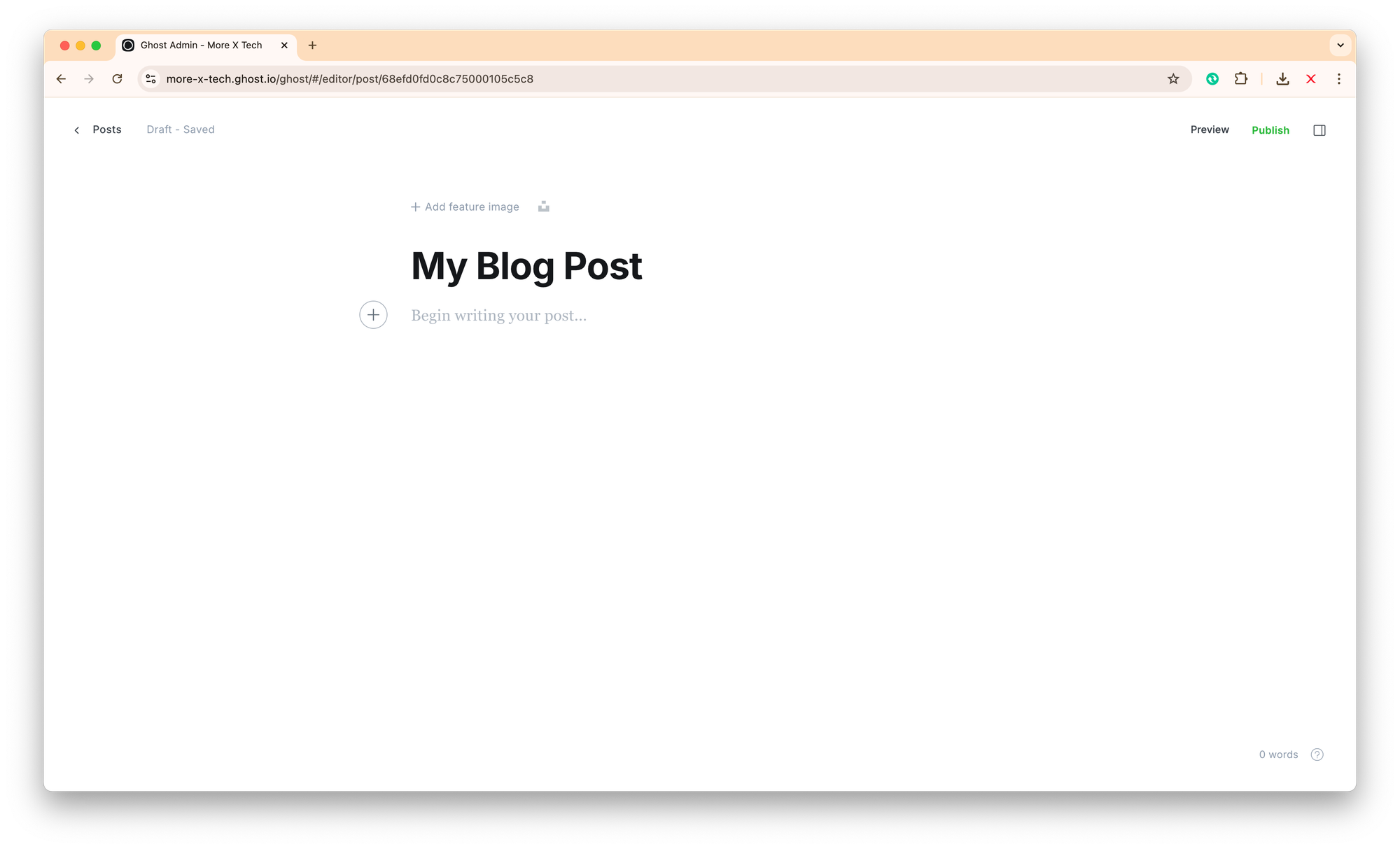

2. Formatting for Readability
Readability is critical for engagement and SEO:
- Use short paragraphs (2–4 sentences).
- Incorporate subheadings (
H2&H3) to break content. - Use bullet points and numbered lists for clarity.
- Bold or italicize key points sparingly.
Example:
- Use short paragraphs
- Include headings and subheadings
- Highlight important points with bold or italics3. Optimizing Images & Media
Visuals enhance engagement:
- Use high-quality, compressed images (WebP recommended).
- Add alt-text for accessibility and SEO.
- Embed videos, GIFs, and social posts via Ghost’s embed blocks.
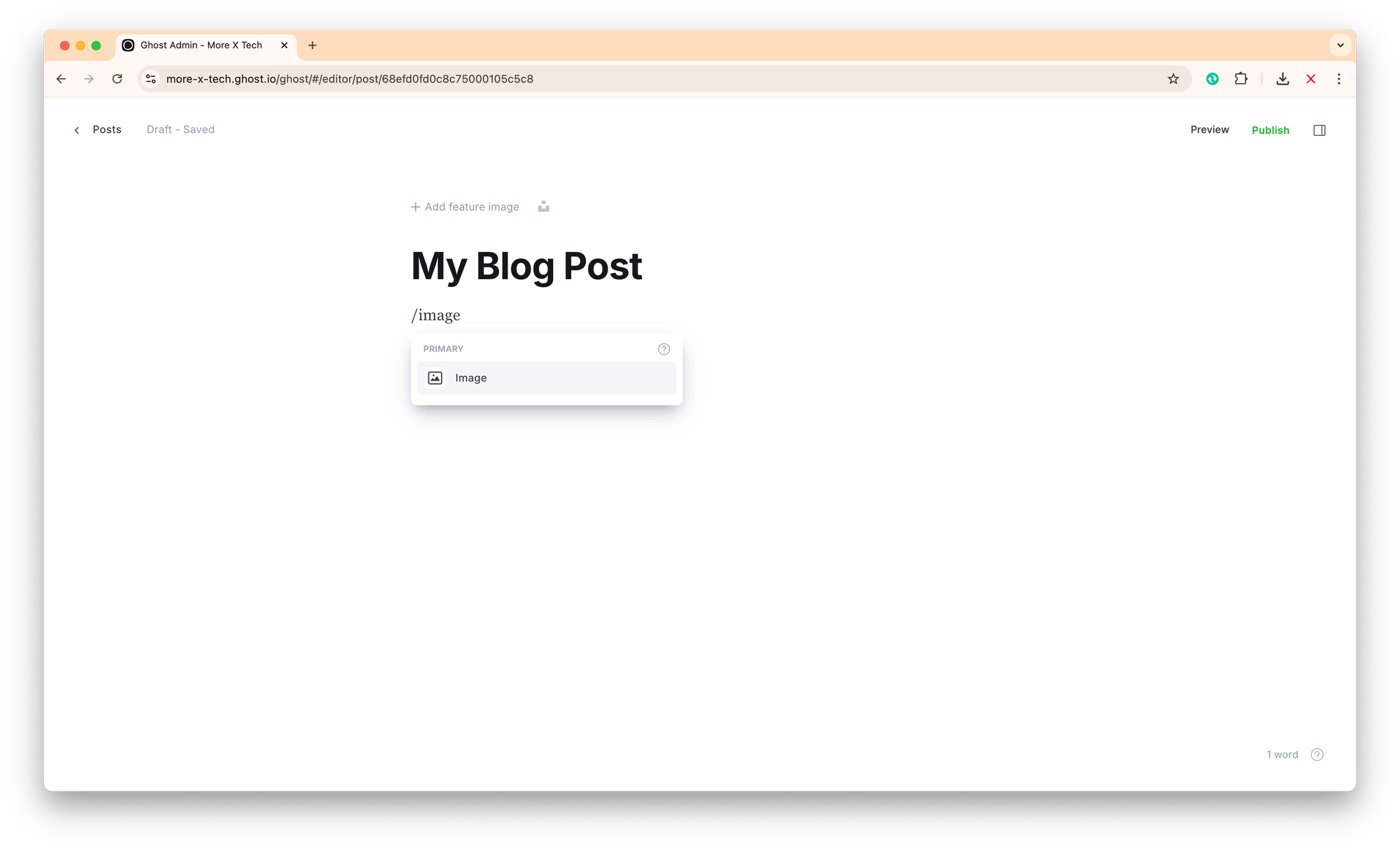
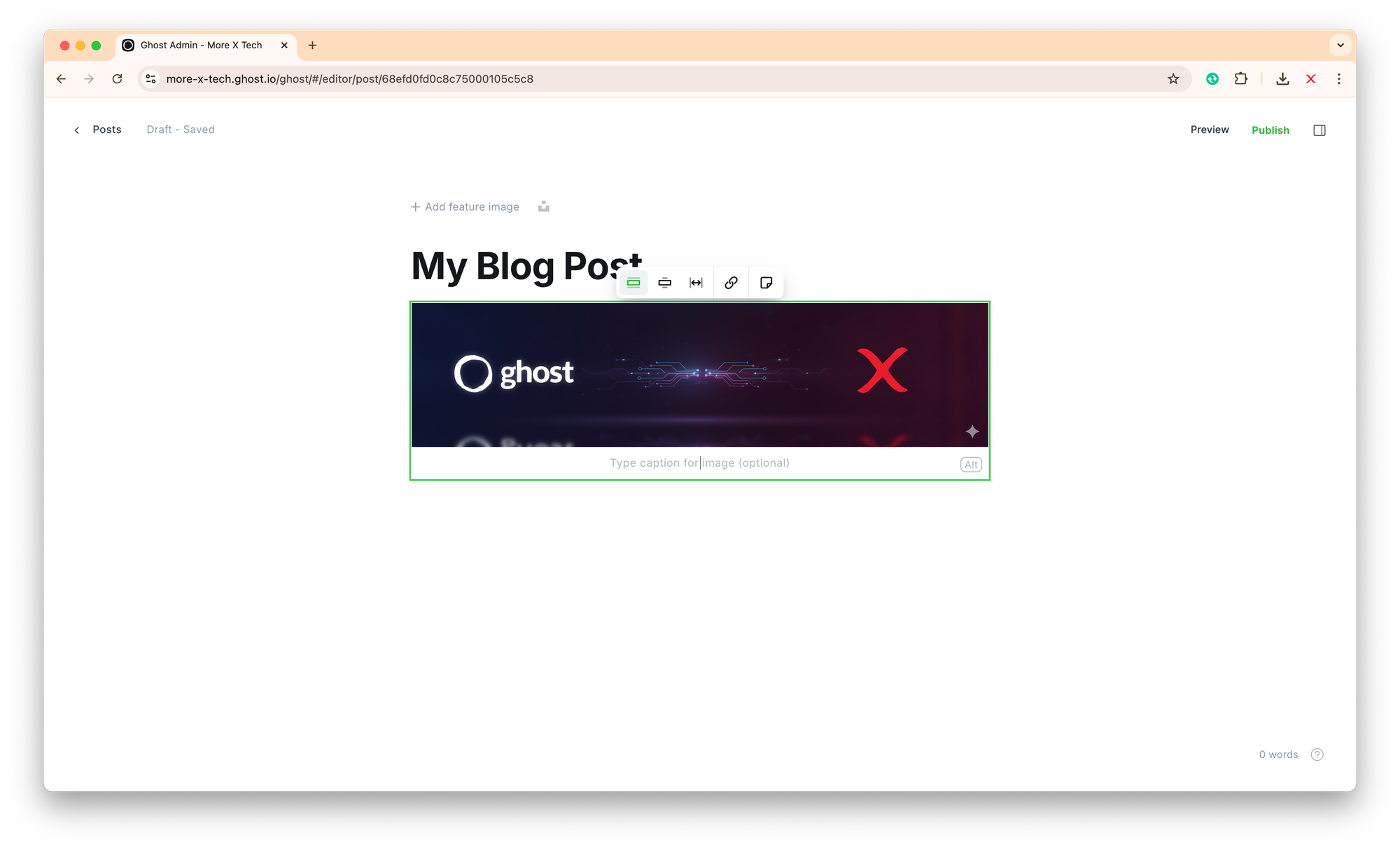
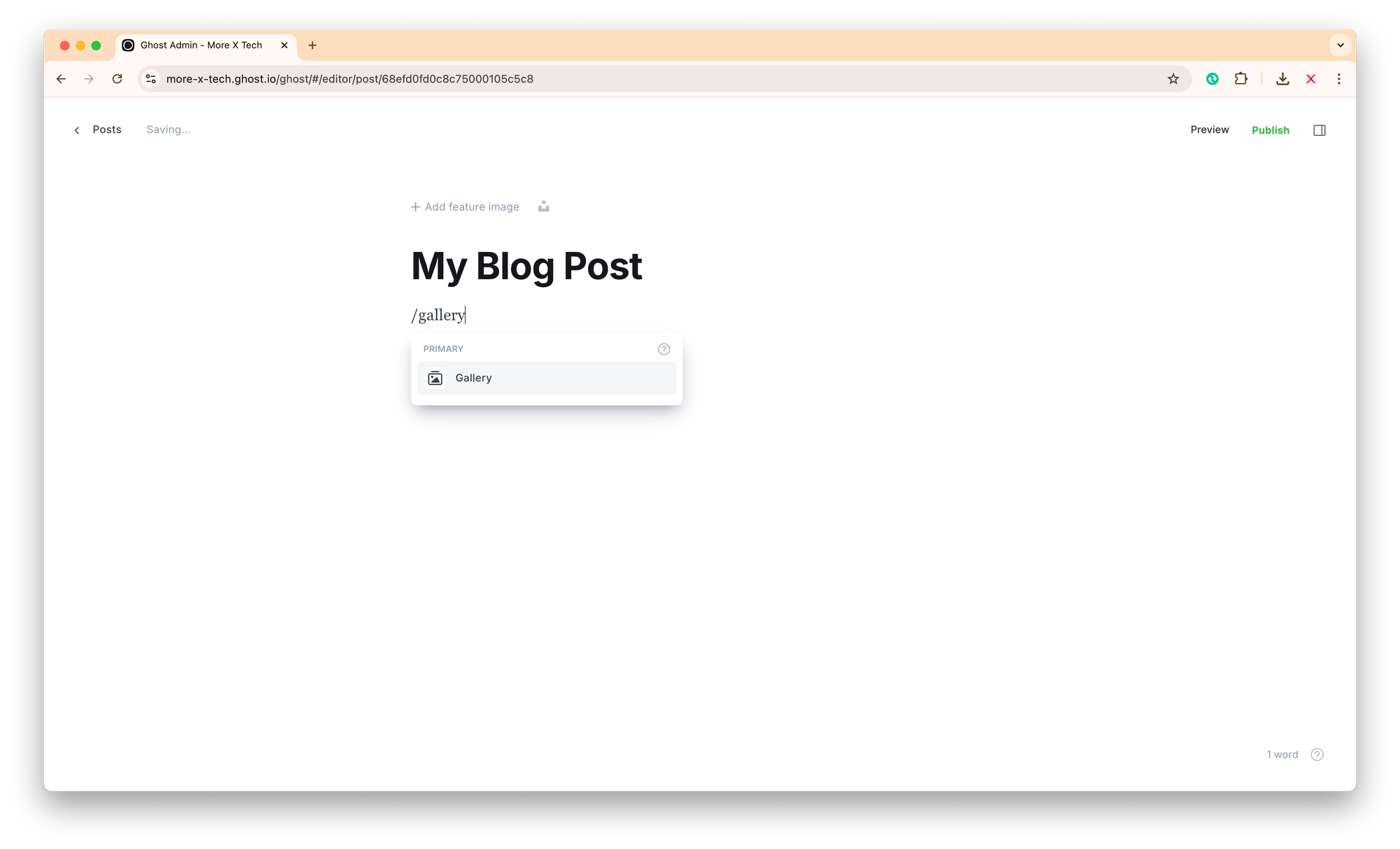
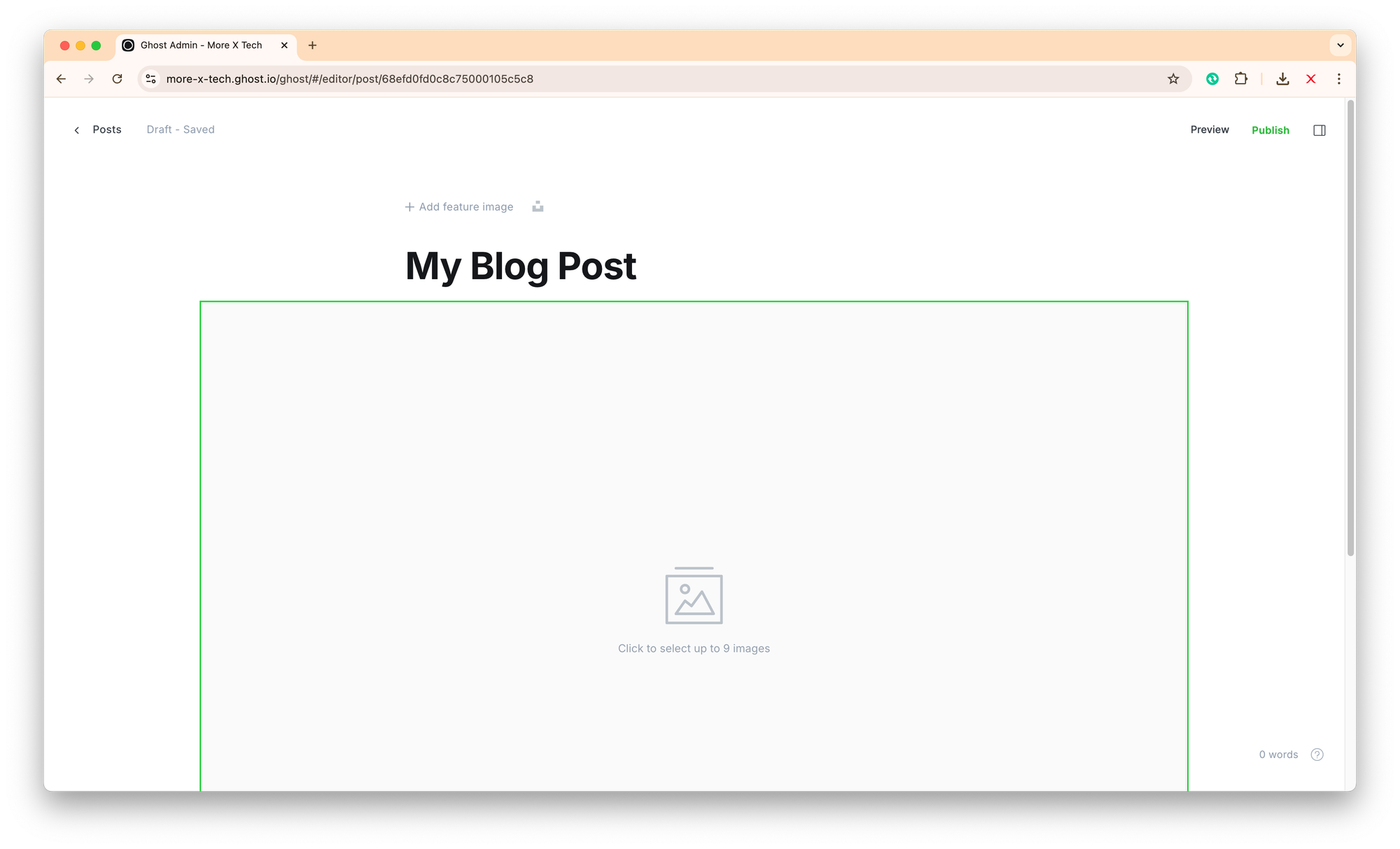
There are two options to add images: as Image or Gallery (see screenshots of the both options below which are added as Gallery)
4. Using Callouts & Cards
Ghost 6.x+ offers callout blocks for highlights:
- Highlight quotes, tips, or announcements with callout blocks.
- Use cards for link previews or multimedia embeds.
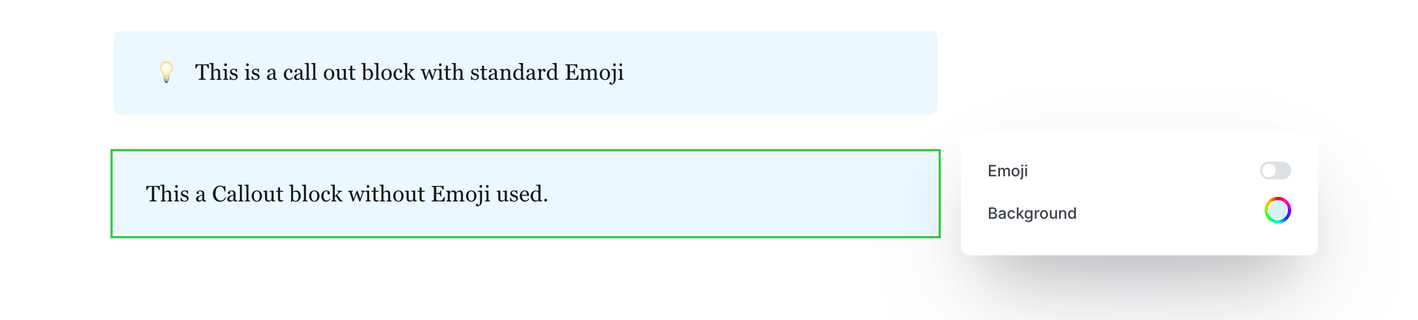
- When Callout block is used, there is an option to enable or disable Emoji
- Likewise, there is an option to change Background colour (screenshot below)
5. SEO-Friendly Writing in Ghost
Ghost makes it easy to optimise content for search engines:
- Use headings (
H2,H3) naturally and include keywords in line with the best SEO practices. - Set custom slugs for clean URLs.
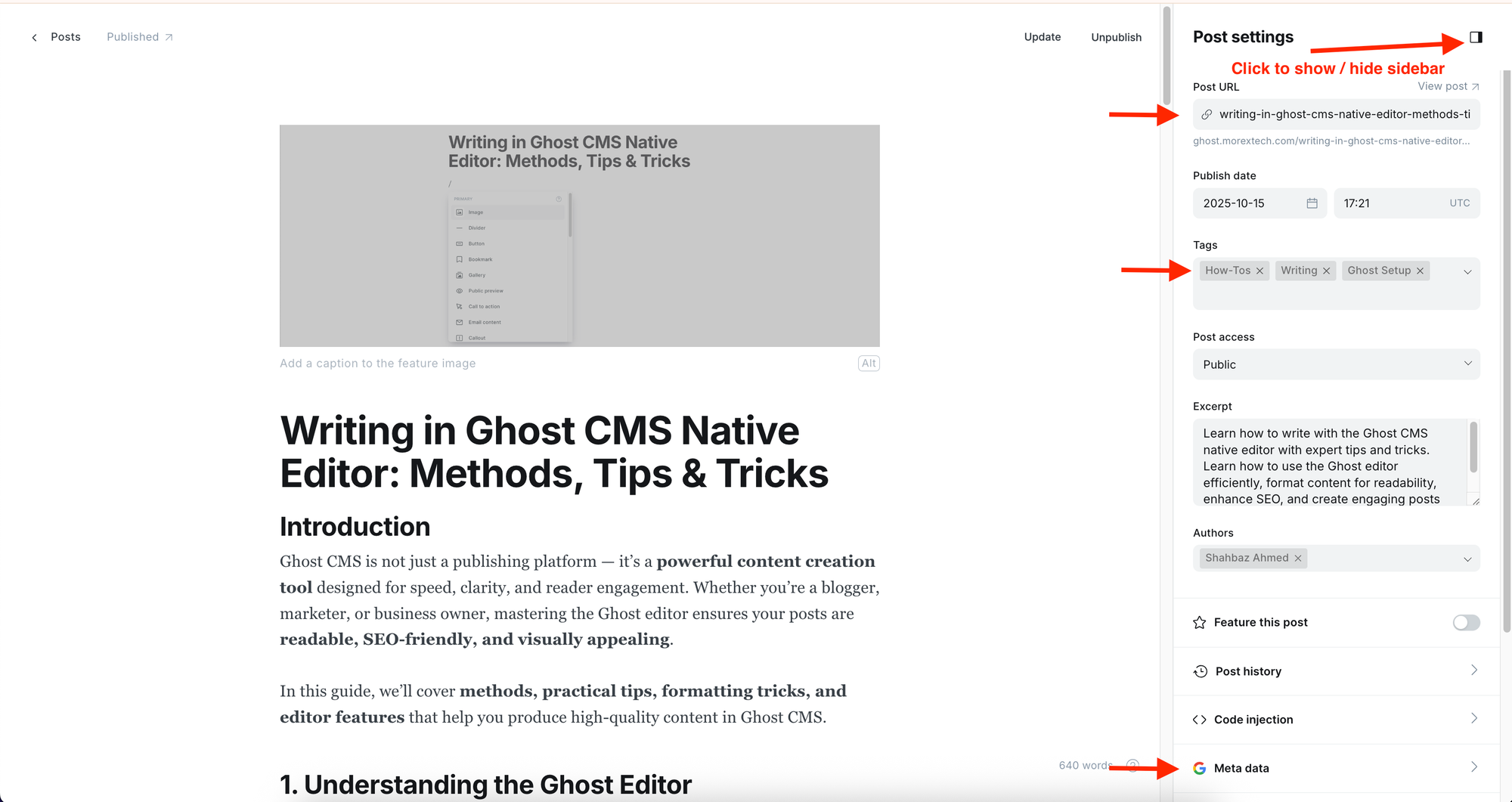
- Include tags and categories for internal linking and topic clustering.
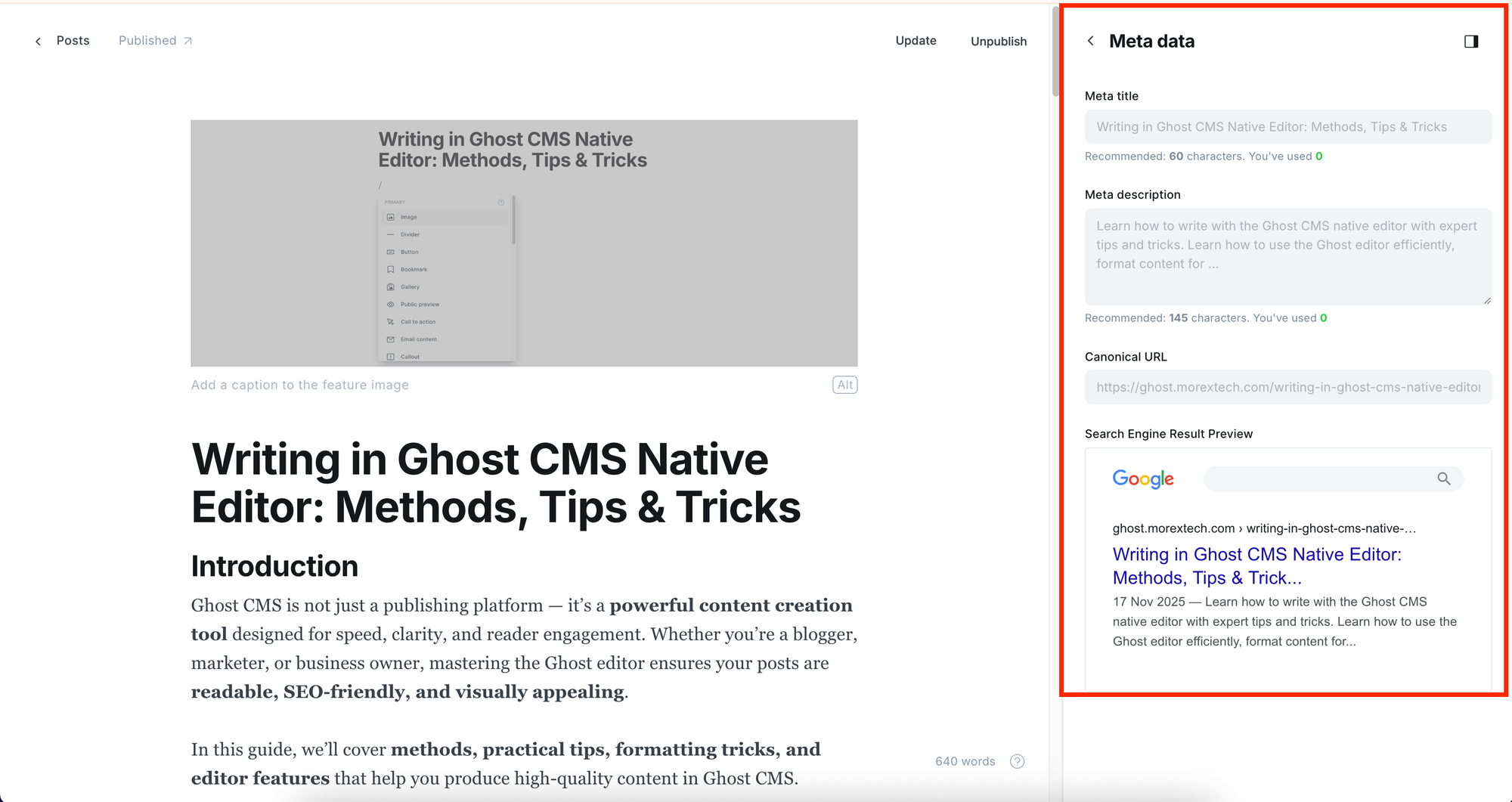
- Add meta titles and descriptions in the post settings. Ghost generates them for you if you don't add.
6. Advanced Ghost Writing Features
Ghost offers features that enhance content creation:
- Reusable content snippets for FAQs or repeated sections.
- Code blocks for technical posts with syntax highlighting.
- Dynamic embeds for newsletters, tweets, or videos.
- Member-only content blocks for subscription-based posts.
7. Publishing & Scheduling
Ghost’s publishing tools save time:
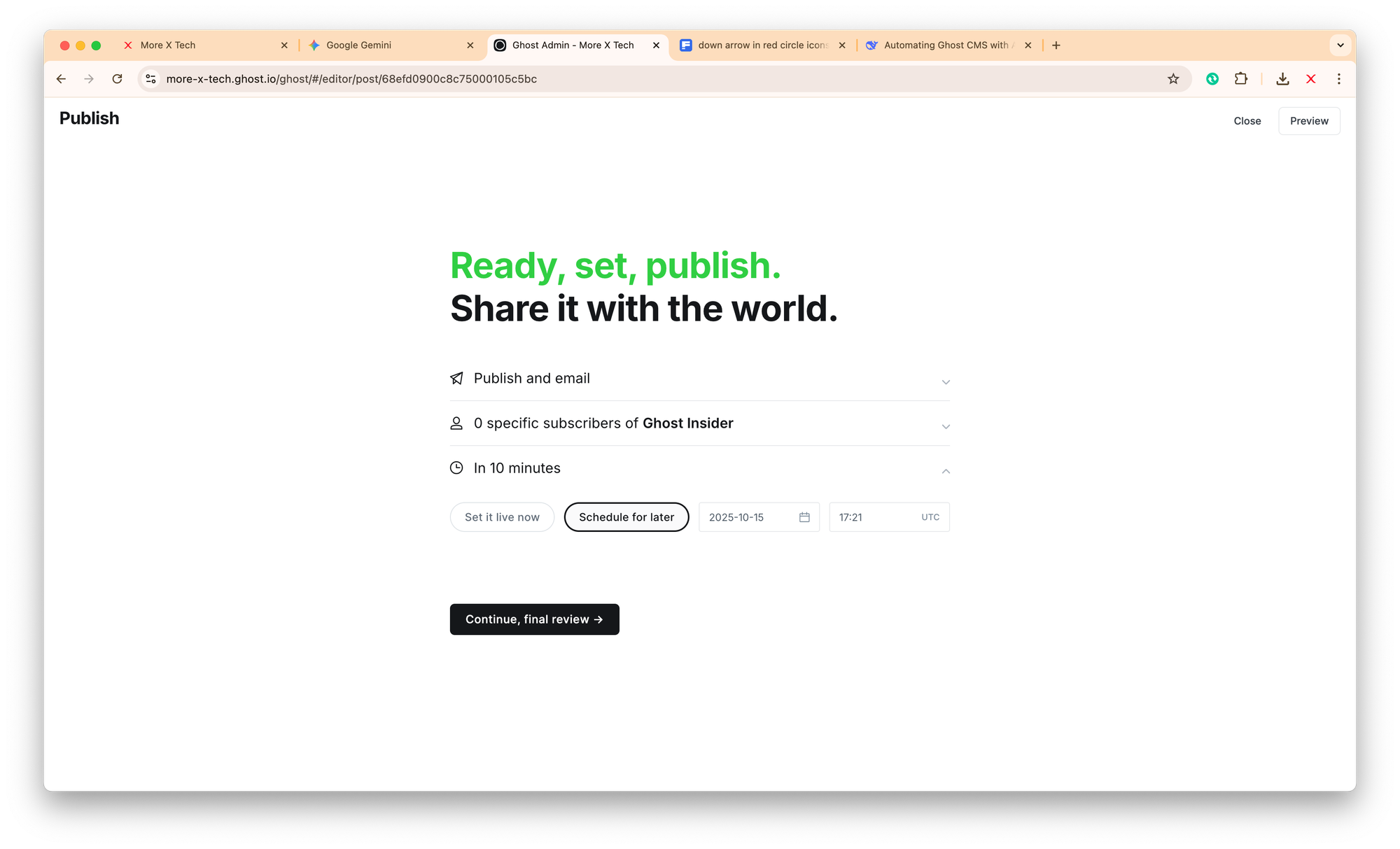
- Schedule posts to go live at specific times.
- Use previews to check how posts look on desktop and mobile.
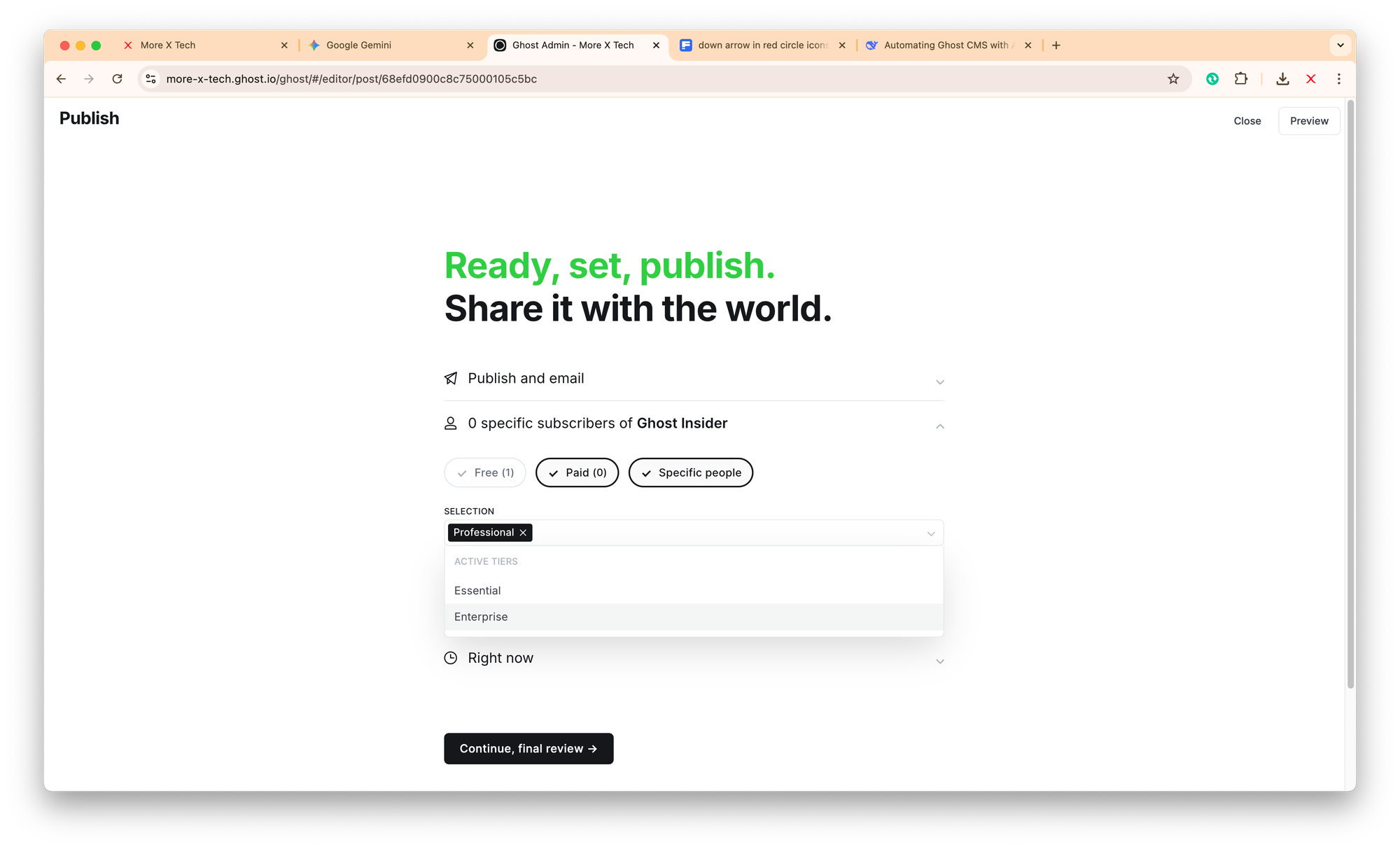
- Enable RSS feeds and email newsletters automatically while publishing (use Publish + Email option).
- Choose the audience you want
- Schedule for sending later.

8. Writing Workflow Tips
Efficiency is key:
- Draft posts in Ghost directly, or import from Markdown.
- On main dashboard, look for drafts, published and scheduled posts. Use filters as and when needed.
- For editing an already published post, you may simply add '/edit/ in its URL to open the editor (you must have the rights and be logged in to access editing).
For example:
www.example.com/my-awesome-post/
becomes
www.example.com/my-awesome-post/edit/

- Use internal links to your other Ghost posts for SEO and engagement.
- Keep a content calendar for consistency.
- Review and edit posts in Ghost’s editor before publishing.
Conclusion
Writing in Ghost CMS Native Editor is quite simple and it adds clarity, structure, and engagement to your content. By mastering the editor’s blocks, formatting, SEO settings, and multimedia features, you can create posts that are visually appealing, optimized for search engines, and engaging for your audience.
Did you like this article?
Please submit your rating below, or leave a comment to share your thoughts.